New Book: Apple Foundation Models

Apple Intelligence has put a capable large language model right on the devices in your users’ pockets—and with the Foundation Models framework, you can finally reach for it from your own apps. No servers to run, no API keys to manage, no per-request bill, and no network round-trip. It all happens on-device, which means it’s private by default and works offline.
To help Swift developers put that to work, we’re excited to announce a new Kodeco book:
Build On-Device AI Into Your SwiftUI Apps
Apple Foundation Models is a hands-on, project-first guide to building intelligent features with Apple’s on-device model, fully up-to-date for Swift 6.3, iOS 26 and Xcode 26. Rather than getting lost in theory, the book takes you from your very first prompt all the way to shipping real, production-ready AI features in SwiftUI.
You build as you learn, so everything you pick up translates straight into apps you can ship.
What You’ll Learn
In this book you’ll discover how to:
- Send prompts and stream responses back into your UI
- Shape and constrain model output with guided generation—turning a prompt straight into a typed Swift struct, no JSON parsing required
- Manage context, safety and prompt design for reliable, well-behaved results
- Give the model tools so it can do real work inside your app
- Build complete on-device features, including transcribing and analyzing voice notes
Each chapter pairs the concepts with practical, real-world code, so you’re always building something you can actually use.
Who This Book Is For
Apple Foundation Models is designed for:
- Swift developers who are comfortable building SwiftUI apps and want to add AI features
- iOS engineers exploring on-device machine learning and Apple Intelligence
- Anyone who wants private, offline AI without the cost and complexity of the cloud
If you can build a SwiftUI screen, you’re ready—no machine-learning background required.
Why Now
Foundation Models is brand new, and the developers who learn it first are the ones who’ll ship the standout Apple Intelligence features this year. Right now the official material is scattered across session videos and release notes—this book pulls it together into one structured, practical path, so you can start building today instead of piecing it together yourself.
Meet the Author
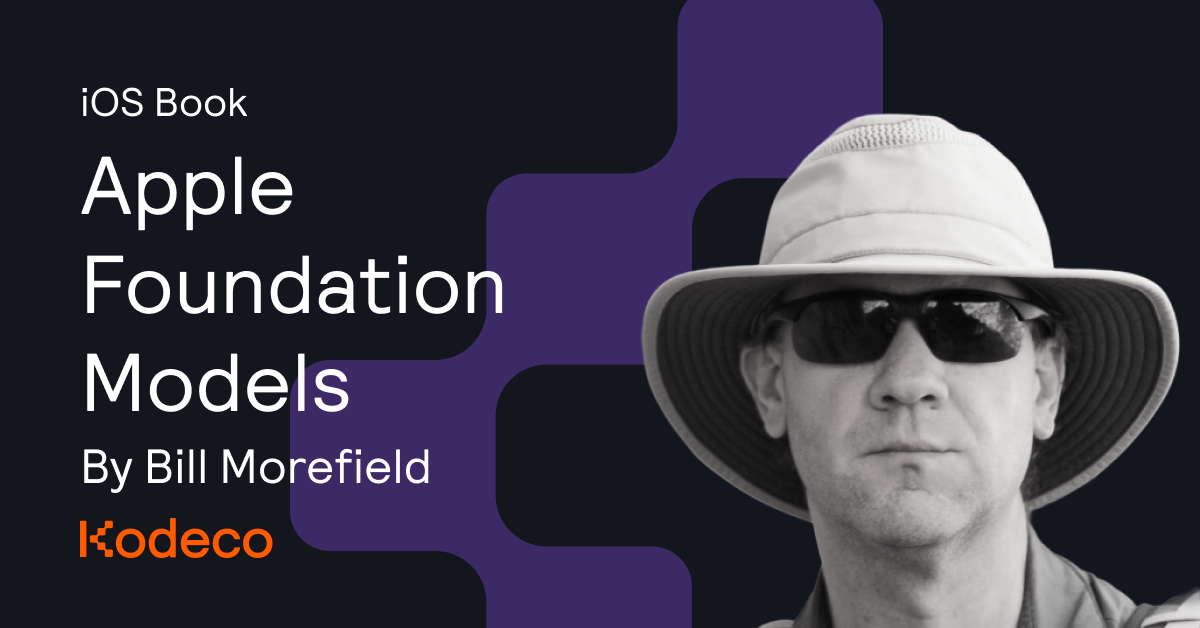
Bill Morefield has spent most of his professional life writing code for desktop, web and mobile platforms. He bought his first Apple computer to learn to program for the iPhone and has been hooked on the platform ever since. A regular Kodeco author—with previous titles including SwiftUI by Tutorials and SwiftUI Animations by Tutorials—he manages development and cloud computing for a college in Tennessee, where he still gets to write code. When he’s not attached to a keyboard, you’ll find Bill hiking or behind a camera.
Huge thanks also to Tori Gonda, who served as final pass editor on the book.
Get the Book
We’ve got a lot of exciting titles in the pipeline, and Apple Foundation Models is the latest to land—right as on-device AI is becoming something every iOS developer wants in their toolkit.
As with our entire book library, subscribers get access for free, or you can purchase a copy directly from the Kodeco website for $59.99. And to celebrate the launch, you can take 25% off with code FOUNDATION25 through Sunday, 2 August.
Want to try before you buy? Getting Started with Apple's Foundation Models is a free to read excerpt of the first chapter—you’ll have an on-device LLM responding inside your app in just a couple of lines of Swift.
Ready to bring Apple Intelligence into your own apps?
👉 Get your copy of Apple Foundation Models and start building private, on-device AI features today.

Photo by Geordanna Cordero on Unsplash